Solutions

Practical Microsoft 365 systems for growing businesses.

Digital Weave designs SharePoint information architecture, Power Platform process apps, Copilot readiness, and administration models that people can actually run. Each graft below is the working model — not a slide describing one.

01

Document operating system

Libraries, metadata, permissions, and lifecycle that match how work actually moves — so people can find the current version without asking around.

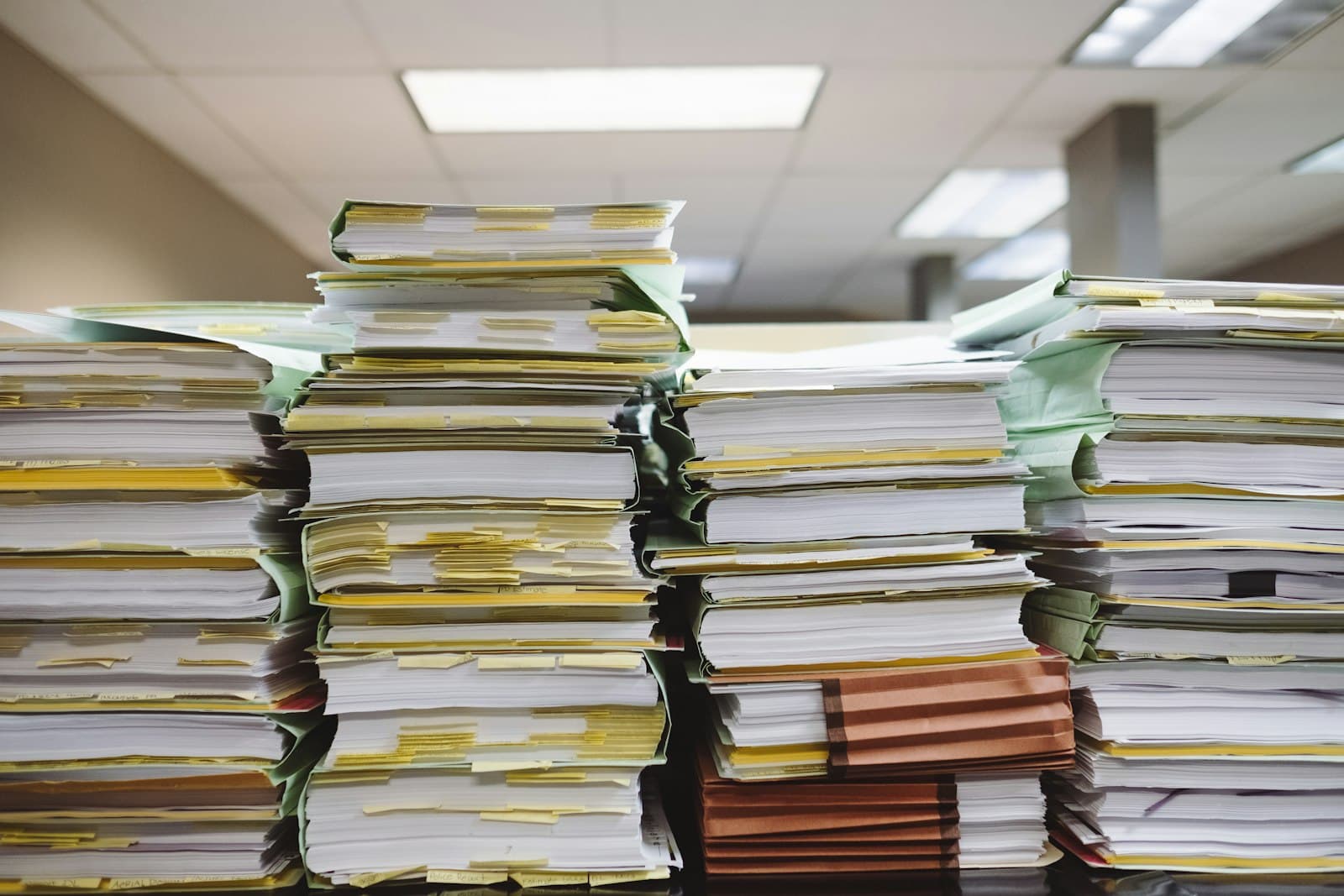
Stacks of organized paper documents and labelled file folders on a desk
Find the current version, no asking around.Photo: Kenny Elton / Unsplash
INTAKE → CLASSIFY → STORE → RETAIN / DISPOSEInbox / email / scanUnowned arrivalsContent typeContract · Policy · RecordMetadata + ownerClient · Status · ReviewerCanonical libraryOne current version. No shadow copies.Permissions envelopeOwners · Members · VisitorsLifecycle statesDraft → Review → Final → ArchiveSearch + viewsFiltered by work, not by folderRetention / legalKeep, delete, or holdFailure mode this graft preventsSeven “final_v3” files · permissions inherited from a junk site · nobody named as ownerWorking stateOne library per work type · metadata people will actually fill · a reviewer who can be on vacationIA
Document operating system — information graft

02

Process automation

Flows and apps built around stable rules, named owners, and real exceptions. The process should survive a vacation and a new hire.

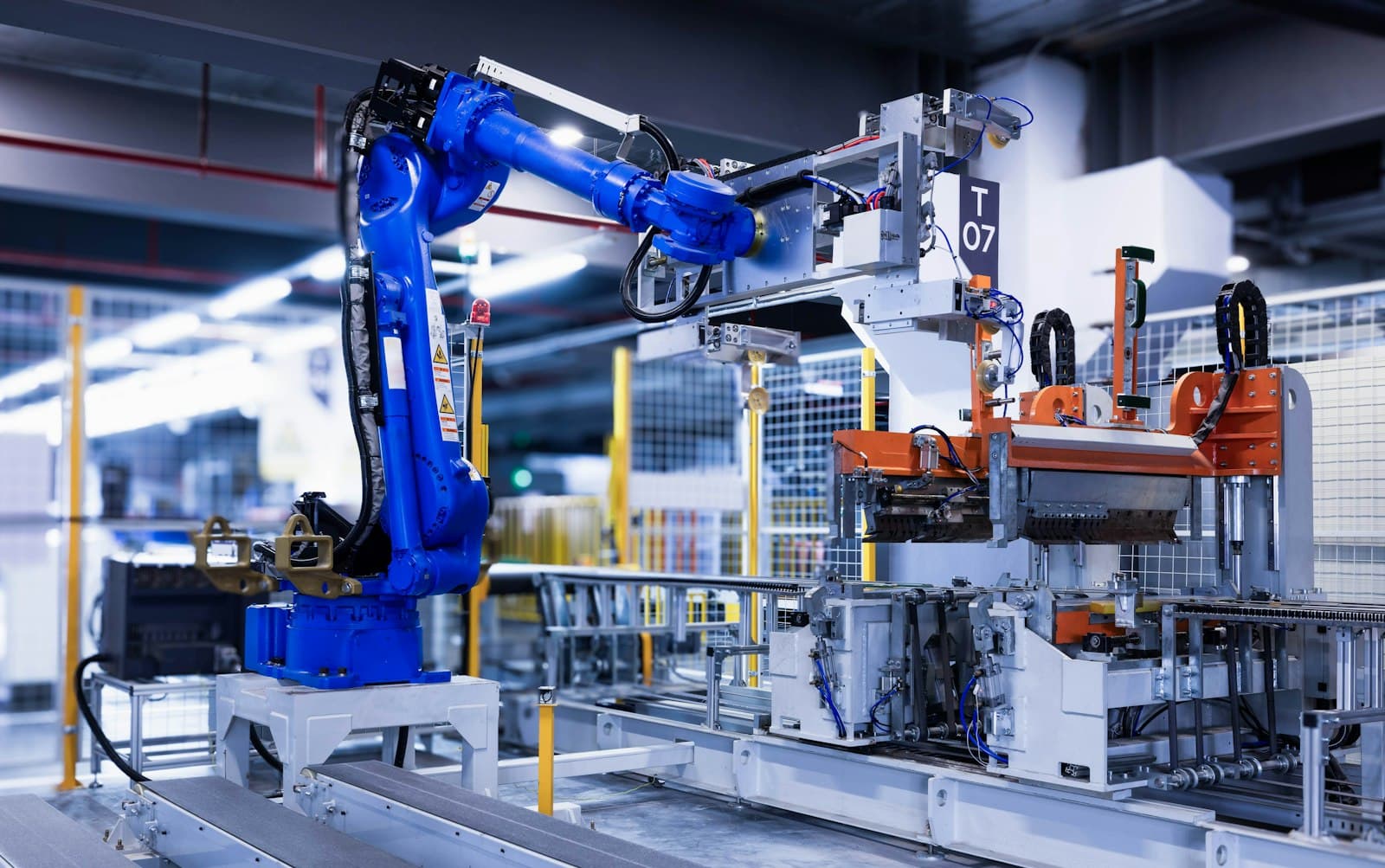
Blue industrial automation arm on a factory production line
The process survives a vacation and a new hire.Photo: Mikhail Vasilyev / Unsplash
TRIGGER → RULE → EXCEPTION → HUMAN · THEN WRITE BACKBusiness eventForm, email, dateStable ruleIf amount < 5k, approveNamed exceptionLegal / rush / vendorHuman ownerNot a shared inboxSystem of recordSharePoint / DataverseHappy path94%Exception path5%Failed / stalled1%A flow nobody can explain is not automation. It is a hidden employee.Graft rule: every branch has an owner, a timeout, and a place the result is written.
Process automation — control graft

03

Platform stewardship

Administration, risk, support, and improvement — without turning the tenant into a junk drawer of leftover sites and orphaned flows.
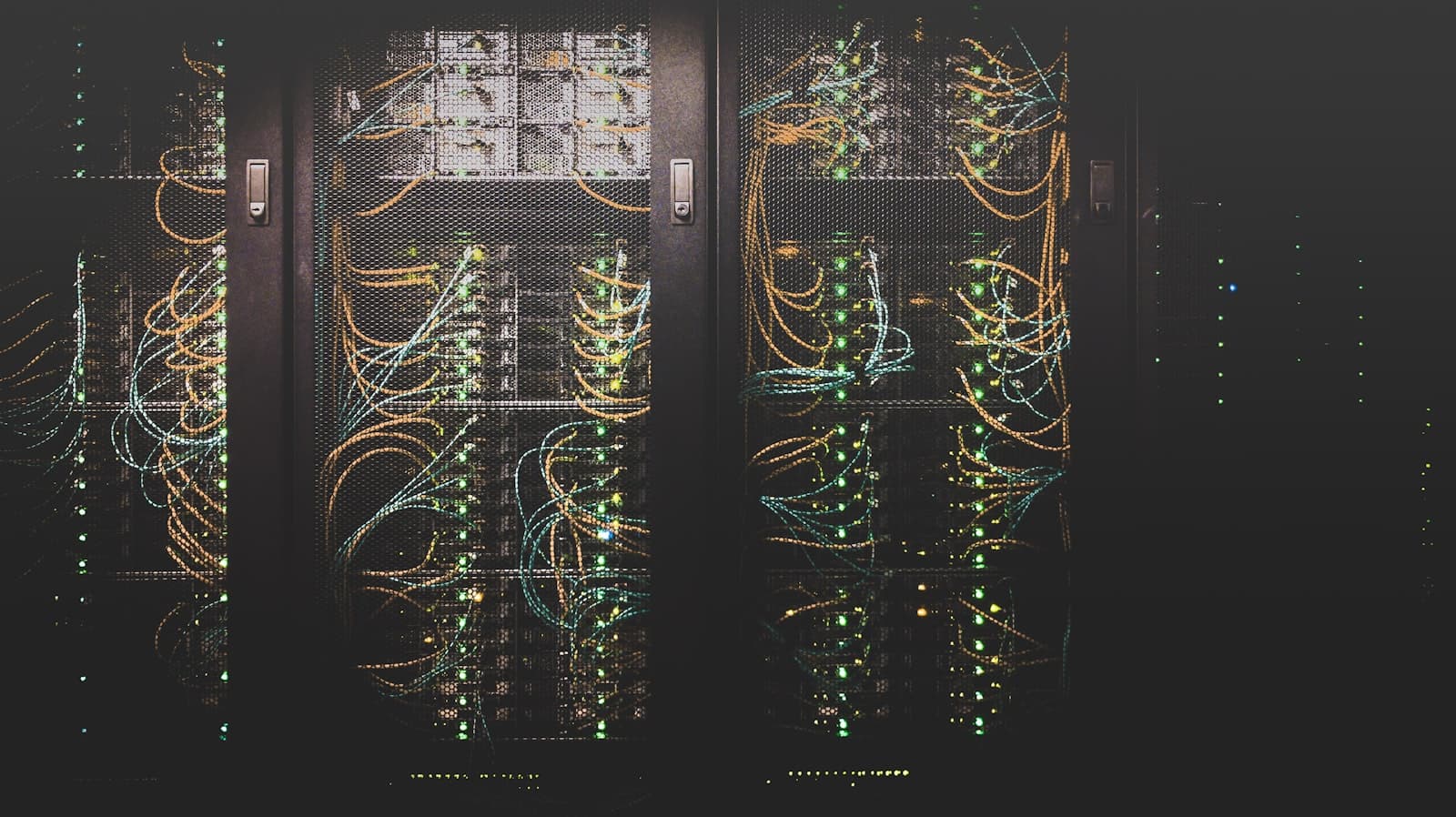
Structured cable network in a managed server room
Steady by design, not by luck.Photo: ThisisEngineering / Unsplash
LAYERS YOU CAN ACTUALLY STEWARDM36501 IdentityEntra, guests, MFA02 SitesPurpose + owner03 Apps / flowsEnvironment + DLP04 SupportTiers + runbooks05 RiskSharing, oversharing, driftStewardship is not “someone has Global Admin.” It is a named owner at every ring.
Platform stewardship — tenant graft

04

Copilot-ready workplace

Permissions, content quality, and a scenario that matters — so Copilot has something true to work from. Read the Copilot page →

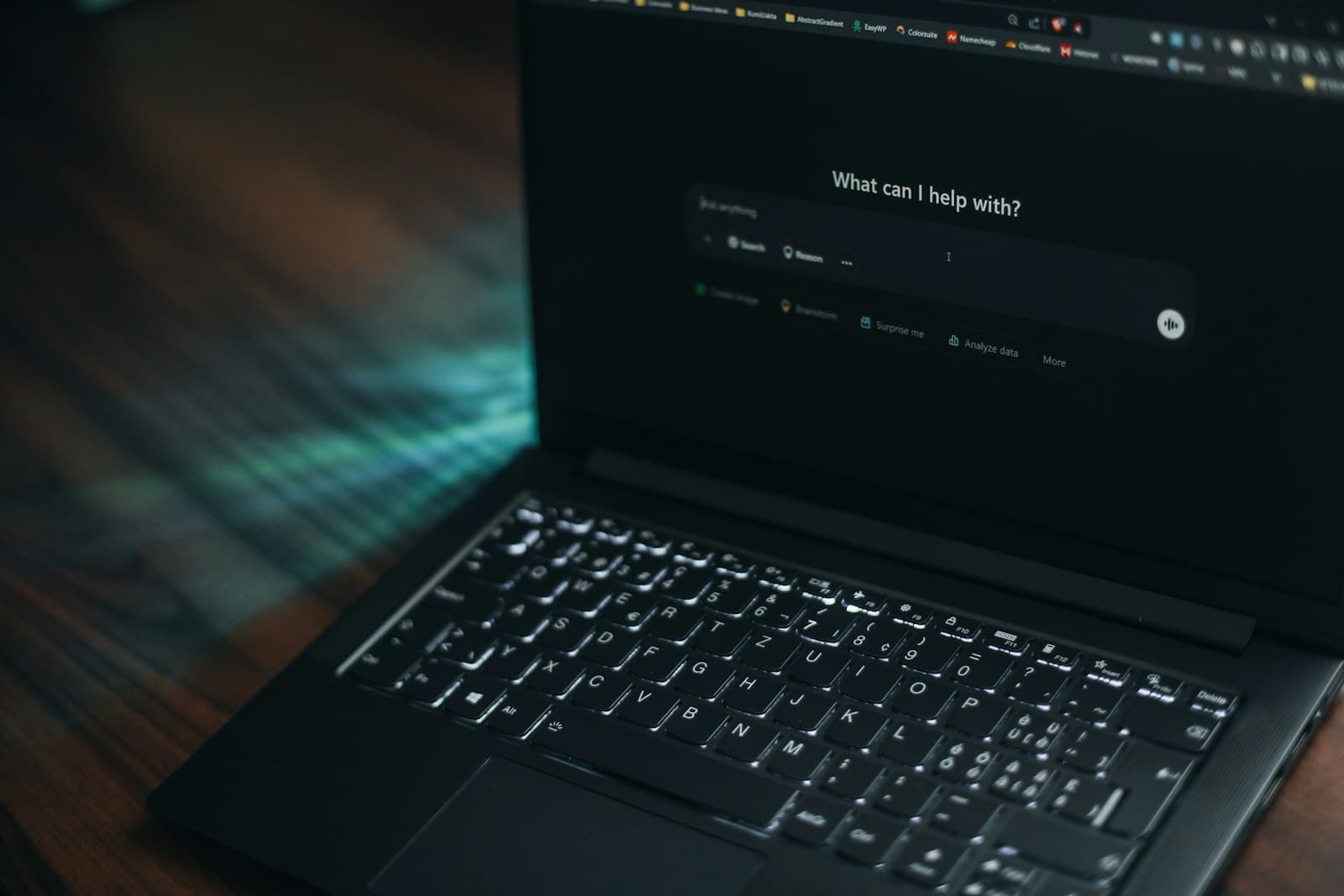
Laptop screen showing an AI assistant asking how it can help
Copilot answers as well as the tenant allows it to.Photo: Unsplash · 8K
LICENSE IS NOT THE FIRST NODEGroundingWhat Copilot may readLabeled librariesCurrent versions onlyNo junk / stalePermissionsWhat it must not leakInheritance reviewGuest / link auditSensitivity labelsScenarioA job someone already doesFind the current fileDraft from a sourceSummarize a processProofWhether to expandUseful / not usefulRepair foundationStop or scaleAssigning seats before this graft is a license test. It is not Copilot readiness.Digital Weave starts at grounding and permissions, then a scenario that already exists.
Copilot-ready workplace — readiness graft